
Review software for garage door companies
After an install or a repair, text the homeowner one link. They rate the job, raise anything that needs another visit privately, and anyone who wants to share publicly heads straight to your Google profile.
Garage door work is high-trust and high-stakes. A homeowner is handing you the largest moving object in the house, often after a broken spring left a car trapped inside, and the job is usually done in a single visit. That combination is perfect for reviews: the relief is immediate, the outcome is visible, and the customer is standing right there when the door finally cycles smoothly. The problem is that your tech is already loading the truck and thinking about the next call, so the ask never happens.
Revivanda makes the ask part of the sign-off instead of an afterthought. One link, printed as a QR on the invoice and sent as a follow-up text, lets the homeowner rate the job in seconds. Anyone with a concern about a spring, an opener or a callback reaches the owner privately first, and anyone happy heads straight to your Google profile, which is the listing that wins the next "garage door repair near me" search.
Link to the profiles that matter here.
Google Business Profile
The listing that ranks in the local map pack for repair searches. This is where the bulk of your review effort should point.
Angi
Where many homeowners shop for vetted garage door pros, so reviews here support your lead flow directly.
Local recommendation threads and neighborhood groups still send garage door referrals, and a Facebook rating backs them up.
Yelp
Strong in some metros for home services; useful as a secondary target where your market leans on it.
Nextdoor
Neighbor-to-neighbor recommendations drive a real share of residential garage door calls.
Turn the final test into the review moment
The best time to ask a garage door customer is the exact moment the repair proves itself. The door glides up and down without the grind or the bang it made before, the homeowner exhales, and that feeling is what a five-star review is made of. Capture it then, not three days later when the memory has faded.
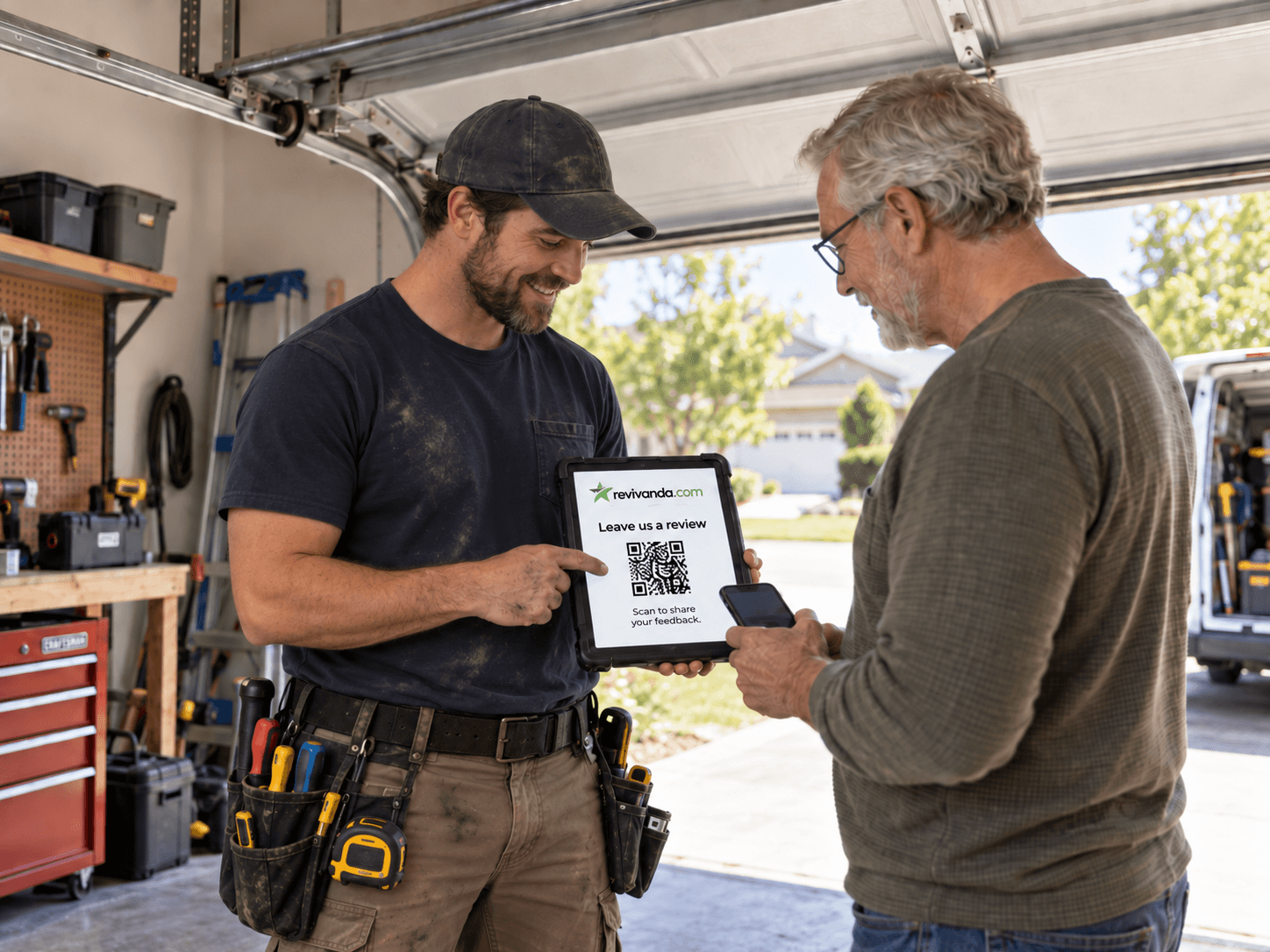
Give the tech one habit: at the final test, turn the tablet around or hand over the invoice and say, "scan this to let us know how we did." It takes ten seconds and it converts far better than a link the office sends after the fact.
Catch spring and opener complaints before they go public
Garage door disputes tend to be about a small number of specific things: a spring that felt rushed, an opener that behaves differently than expected, or a callback that took too long to schedule. Every one of those is fixable if you hear about it first.
Open mode gives every homeowner a private feedback form next to your public review links. A concern comes straight to the owner, and a low rating can alert a phone or Slack channel instantly, so you book the callback before a frustrated customer reaches for the one-star.
Know which crew earns the reviews
If you run separate install and repair crews, or several techs across a territory, a single generic link tells you nothing about who is doing the work customers love. Source tags fix that.
Create one link per crew or job type. The dashboard then shows that your Tuesday install team is pulling in five-star reviews while a particular repair route is quiet, which is exactly the signal you need for coaching and scheduling.
- One link per crew, install versus repair, or per technician.
- Printed QR codes tagged by placement, invoice versus window sticker.
- A clear read on which jobs and people generate reviews.
When to ask and where to put the code.
Timing
- At the final test, the moment the door cycles quietly with the homeowner watching.
- For spring or cable repairs, right after you confirm balance and safe operation.
- As an automatic follow-up text within two hours if the tech could not ask on site.
- Never before the work is verified; a rushed ask on an unfinished job backfires.
QR placement
- On the printed invoice or work order the homeowner signs at completion.
- On a small window sticker or magnet left on the new opener or panel.
- On the tech’s tablet or clipboard for a quick scan at the final test.
- On the yard sign and truck, so a curious neighbor can scan it too.
- On the fridge magnet or business card left behind after the visit.
Example review request text
Hi Dana, thanks for choosing Cedar Garage Doors. Your opener and springs are all set. How did we do? Tap to let us know: go.revivanda.com/cedar-garage Reply STOP to opt out.
Sits beside the field software you already run.
Trigger the review request when a job is marked complete, so the ask fires without anyone remembering to send it.
ServiceTitan
Fire the request when a job is marked complete, via Zapier or a webhook.
Housecall Pro
Trigger on job completion so the follow-up text goes out automatically.
Workiz
Popular with garage door shops; connect through Zapier to send the link on close-out.
GoHighLevel
If you run marketing in GHL, push feedback and requests through the native connection.
The problems this solves.
Techs are on to the next job before a review is ever requested.
A miscommunication about a spring or opener turns into a public complaint.
You run install and repair crews and cannot tell them apart.
Garage door companies, answered.
Yes. Download the QR as SVG or PNG for print at any size, and each printed code carries its own source tag so you can tell invoice scans from window-sticker scans.
Hear from every customer. Make leaving a review easy.
Start your free 14-day trial. No credit card to start.