
Review software for HVAC and plumbing companies
Text one link when the technician finishes. Customers rate the service call, flag any follow-up privately, and anyone who wants to share publicly gets a direct path to your Google or Angi profile.
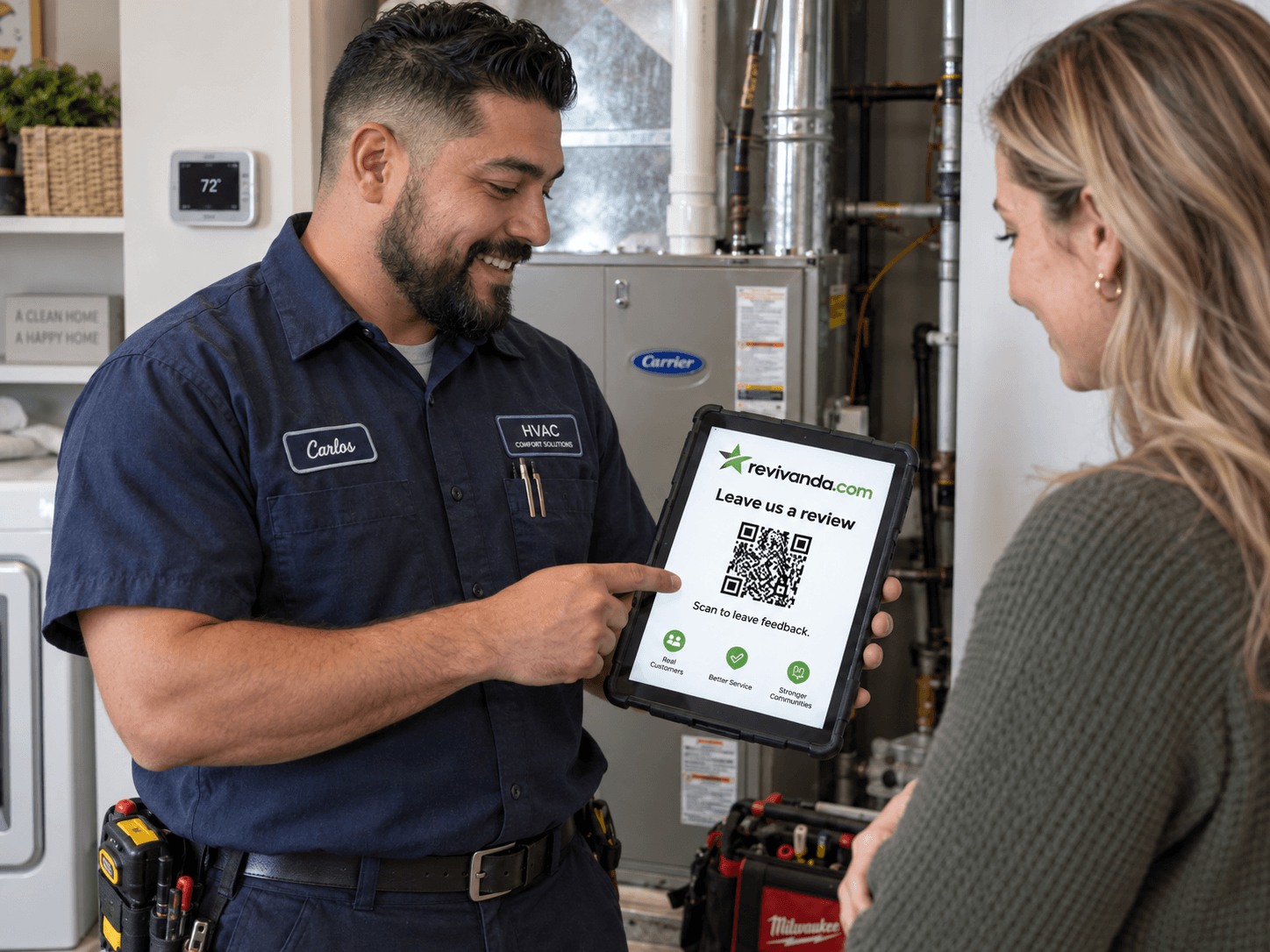
HVAC and plumbing calls arrive under pressure. A furnace quits in a cold snap, a water heater floods a utility room, an AC dies in a heat wave, and the customer just wants it fixed. When your technician restores heat, stops the leak or gets the air cold again, the relief is real and the goodwill is high. That is the window for a review, and it closes fast once the customer moves on with their day.
Revivanda turns that window into a repeatable habit. A request goes out by text when the work order closes, or the customer scans a QR on the invoice and the equipment sticker. Anyone with a follow-up concern reaches dispatch privately, and satisfied customers land on your Google profile, the listing that decides who gets the next emergency call in your service area.
Link to the profiles that matter here.
Google Business Profile
The map-pack listing behind "AC repair near me" and "emergency plumber" searches. Point most of your review effort here.
Angi
A primary shopping destination for vetted HVAC and plumbing pros, so reviews here feed your lead flow.
Neighborhood recommendation posts still drive service calls, and a Facebook rating supports them.
Nextdoor
Neighbors asking for a trustworthy plumber or HVAC company is a steady residential lead source.
BBB
Some older and commercial customers still check the BBB before booking a bigger job.
Ask when comfort is restored, not at midnight
Timing makes or breaks HVAC and plumbing reviews. The instinct is to ask the moment the job is done, but the job is often done at 11pm after an emergency no-heat call, when the customer is exhausted and cannot fairly judge the fix yet. Ask then and you get silence, or worse, a rating colored by stress.
For scheduled and daytime calls, ask at completion once the system is confirmed working. For late emergencies, let an automatic follow-up text go out the next morning, after the customer has had a warm, dry, comfortable night. The review you get is calmer and more generous.
Route callback issues to dispatch instantly
In the trades, a public one-star almost always started as a fixable follow-up: a drain that clogged again, a thermostat setting that confused the customer, or a callback that sat too long in the queue. If dispatch hears about it first, most never become public at all.
Open mode gives every customer a private feedback form beside your public review links. A low rating can alert a phone or Slack channel the second it arrives, so the owner or dispatcher schedules the return visit before the customer feels ignored.
Build reviews around the maintenance plan
Your maintenance-plan members are your best customers: loyal, recurring, and already predisposed to like you. They are also the easiest source of steady, honest reviews because you see them on a schedule.
Put a QR code on the plan welcome packet and ask at the end of every seasonal tune-up. Over a year that turns a handful of one-time reviews into a dependable stream, which is what keeps your Google ranking climbing between big emergency jobs.
- One request per technician, tagged so you know who earns reviews.
- A standing ask at every maintenance visit, not just installs.
- Automatic next-morning follow-ups for late emergency calls.
When to ask and where to put the code.
Timing
- At the end of a completed service call, once airflow, heat or water pressure is confirmed.
- At every maintenance-plan tune-up, when the system is running clean.
- For late emergency calls, as a follow-up text the next morning during business hours.
- Only after the fix is verified; asking mid-repair or before restart backfires.
QR placement
- On the invoice or work order signed at the end of the call.
- On the equipment sticker placed on the furnace, air handler or water heater.
- On the maintenance-plan welcome packet and seasonal tune-up leave-behind.
- On the truck wrap and yard sign for a curious neighbor.
- On the filter card or fridge magnet left with the customer.
Example review request text
Hi Marcus, thanks for trusting Rivertown Heating and Air. Your system is running again. How did we do? Tap to share: go.revivanda.com/rivertown-hvac Reply STOP to opt out.
Sits beside the field software you already run.
Trigger the review request when a job is marked complete, so the ask fires without anyone remembering to send it.
ServiceTitan
Fire the request on work-order completion via Zapier or a webhook.
Housecall Pro
Trigger the follow-up text automatically when a job is closed.
FieldEdge
Connect through Zapier to send the review link at job close-out.
ServiceFusion
Push completed jobs to Revivanda so the ask goes out without manual steps.
The problems this solves.
Emergency calls end late and the review ask never happens.
A callback issue turns into a public complaint.
You cannot tell which technician earns the reviews.
HVAC and plumbing, answered.
Yes, through Zapier, a webhook or GoHighLevel when a job is marked complete. The request fires automatically, which matters most for late emergency calls when no one is thinking about reviews.
Hear from every customer. Make leaving a review easy.
Start your free 14-day trial. No credit card to start.